
FEATURES
EVERYTHING 2SHOT BRINGS TO ONE CAMERA SCREEN
One native dual-camera experience, built around the details creators actually notice.
DUAL CAMERA CAPTURE
The foundation: two live feeds, one recording
Every mode below starts from the same place: 2Shot runs the front and back cameras at the same time, in a single native capture session. How those two feeds are arranged on screen, PIP, split, or one camera alone, is your choice, and you can change it without stopping what you're recording.
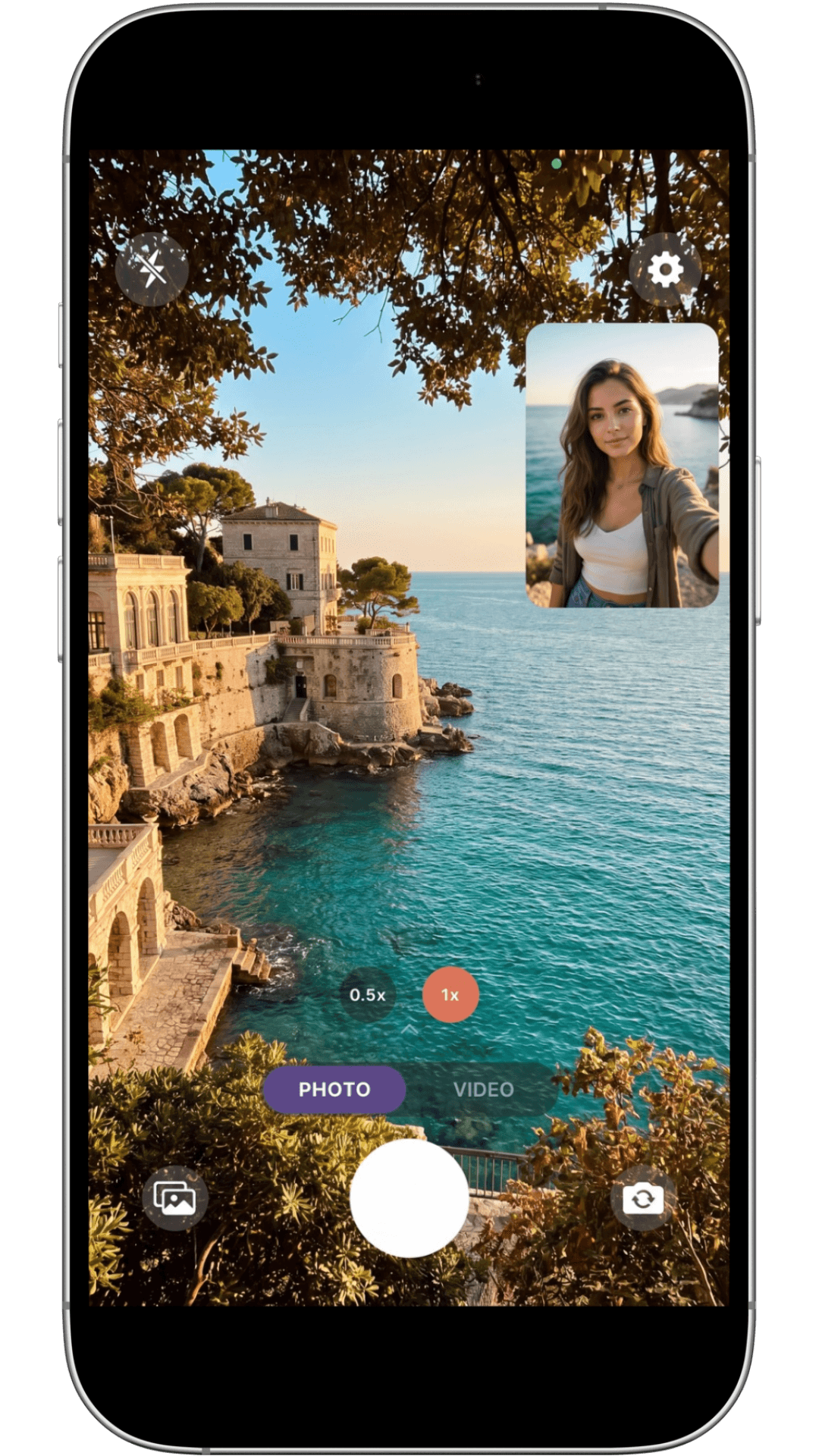
PIP CAPTURE
Picture-in-Picture
The rear camera fills the frame while the front camera floats above it in a small window. Drag that window anywhere on screen and it stays exactly where you leave it: a persistent, 16:9 picture-in-picture that keeps both angles in one recording.
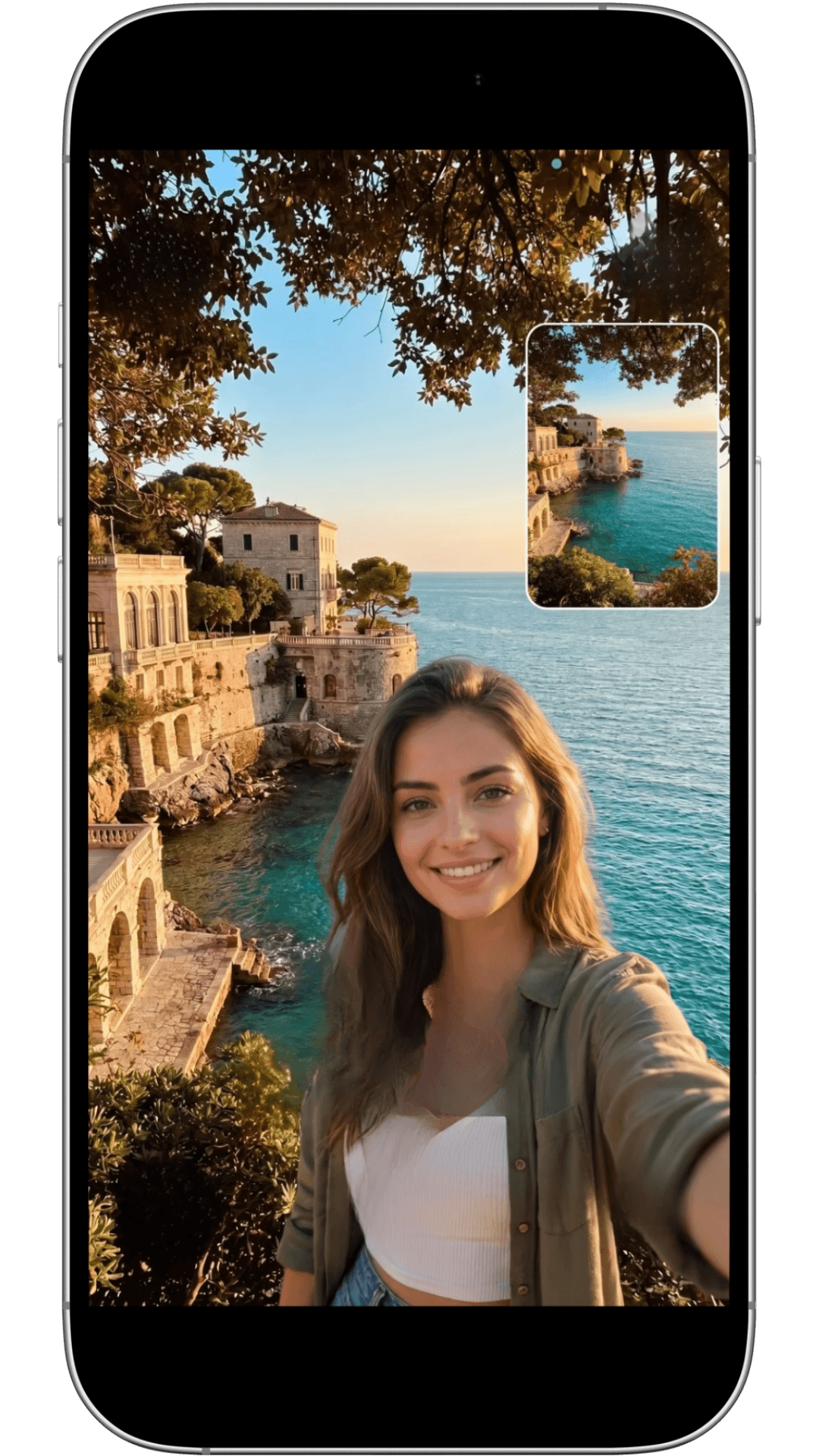
SWITCH CAMERA
Switch Camera, Mid-Shot
Move between PIP, split-screen, front-only and back-only as the moment changes, without planning your shot in advance. Switching camera views does not stop or restart an active recording, so your take stays intact from the first frame to the last.
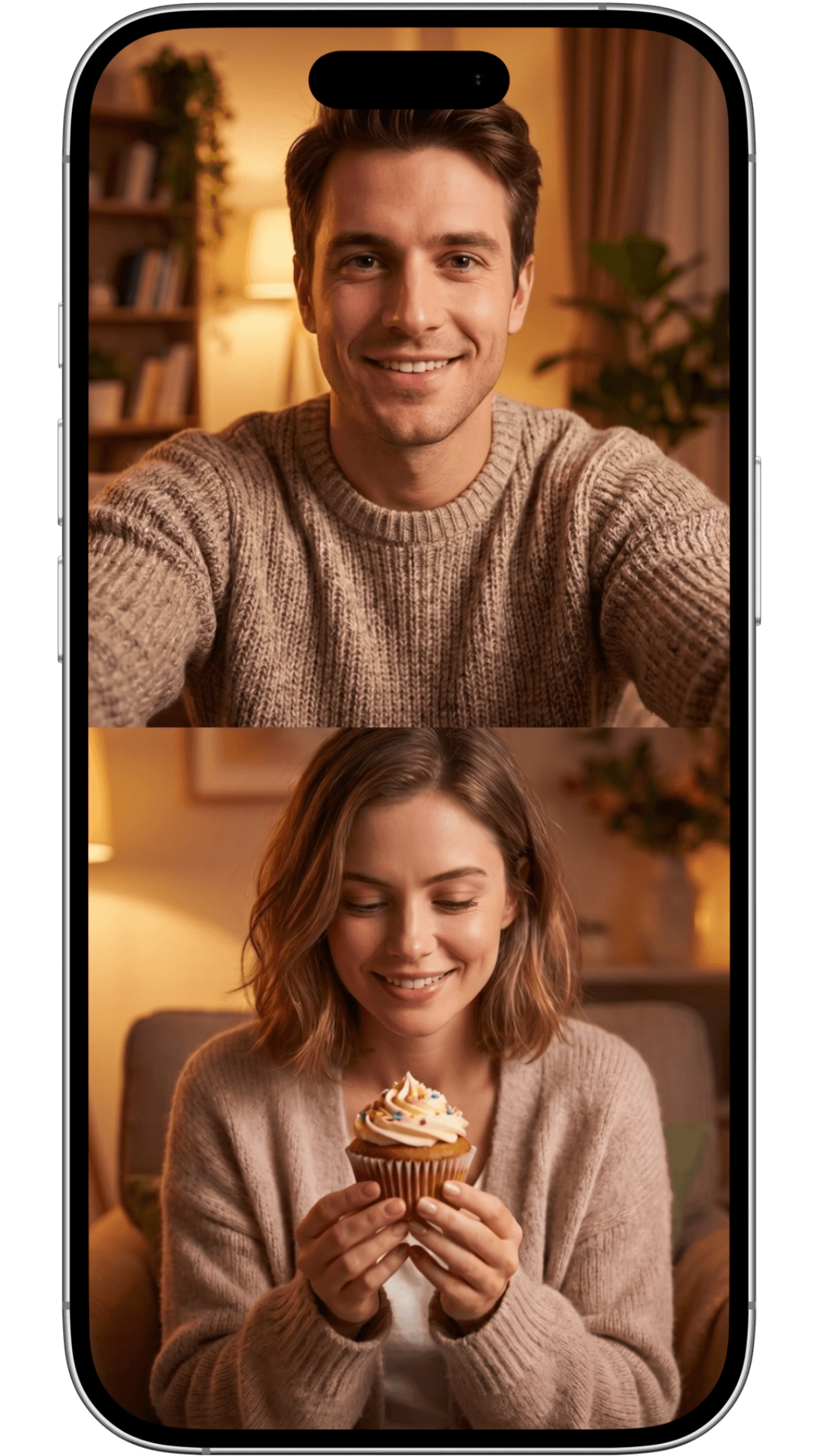
SPLIT CAPTURE
Split-Screen
Front and back cameras share the frame equally, side by side. Built for interviews, duets and reaction pairs where neither angle should feel like the secondary one.
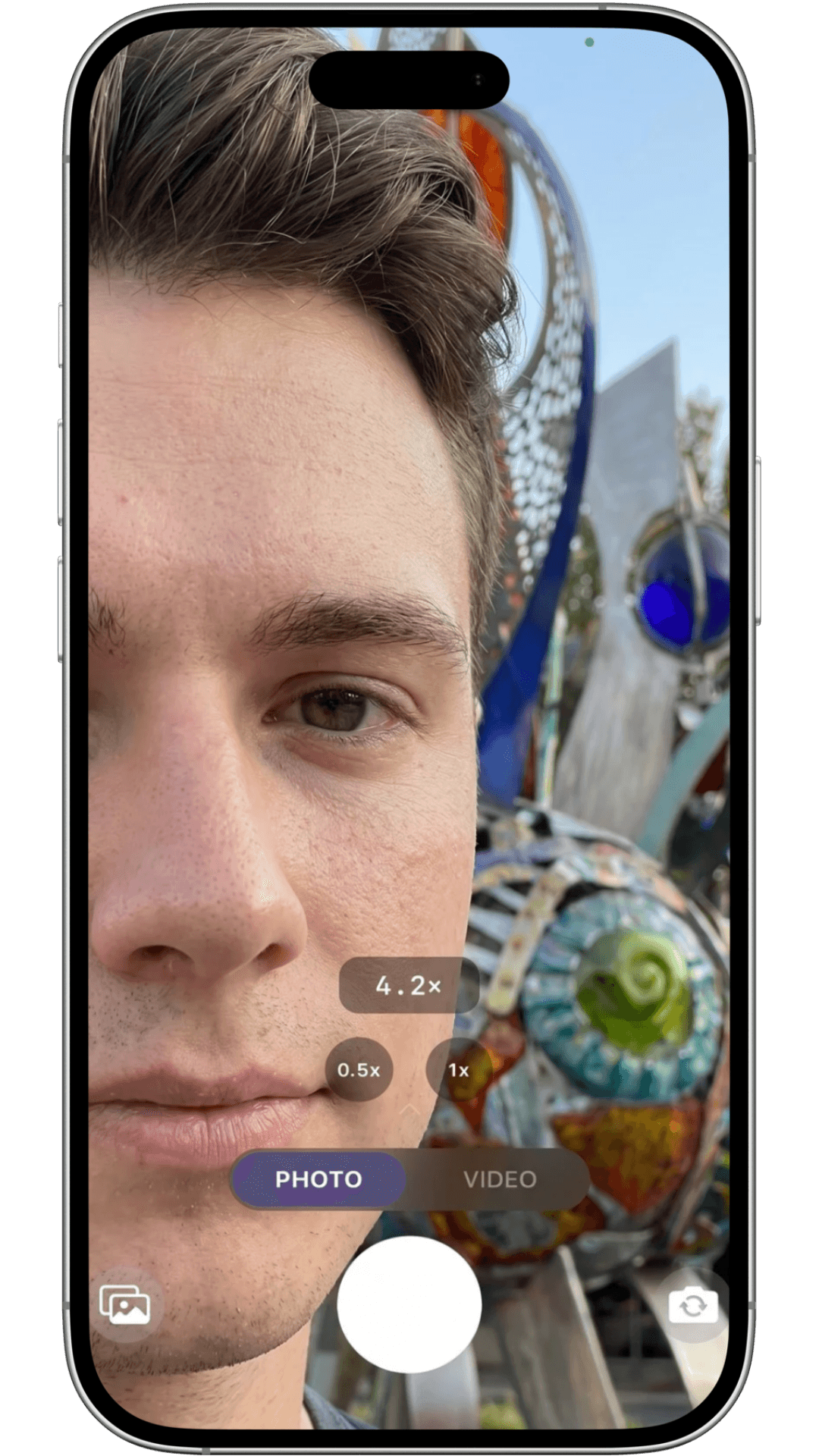
10X FRONT ZOOM
Front Camera Zoom
The front camera supports 0.5x wide framing where your device allows it, plus continuous zoom from 1x up to 10x. Reframe a selfie or a reaction shot without moving the phone or breaking the take.
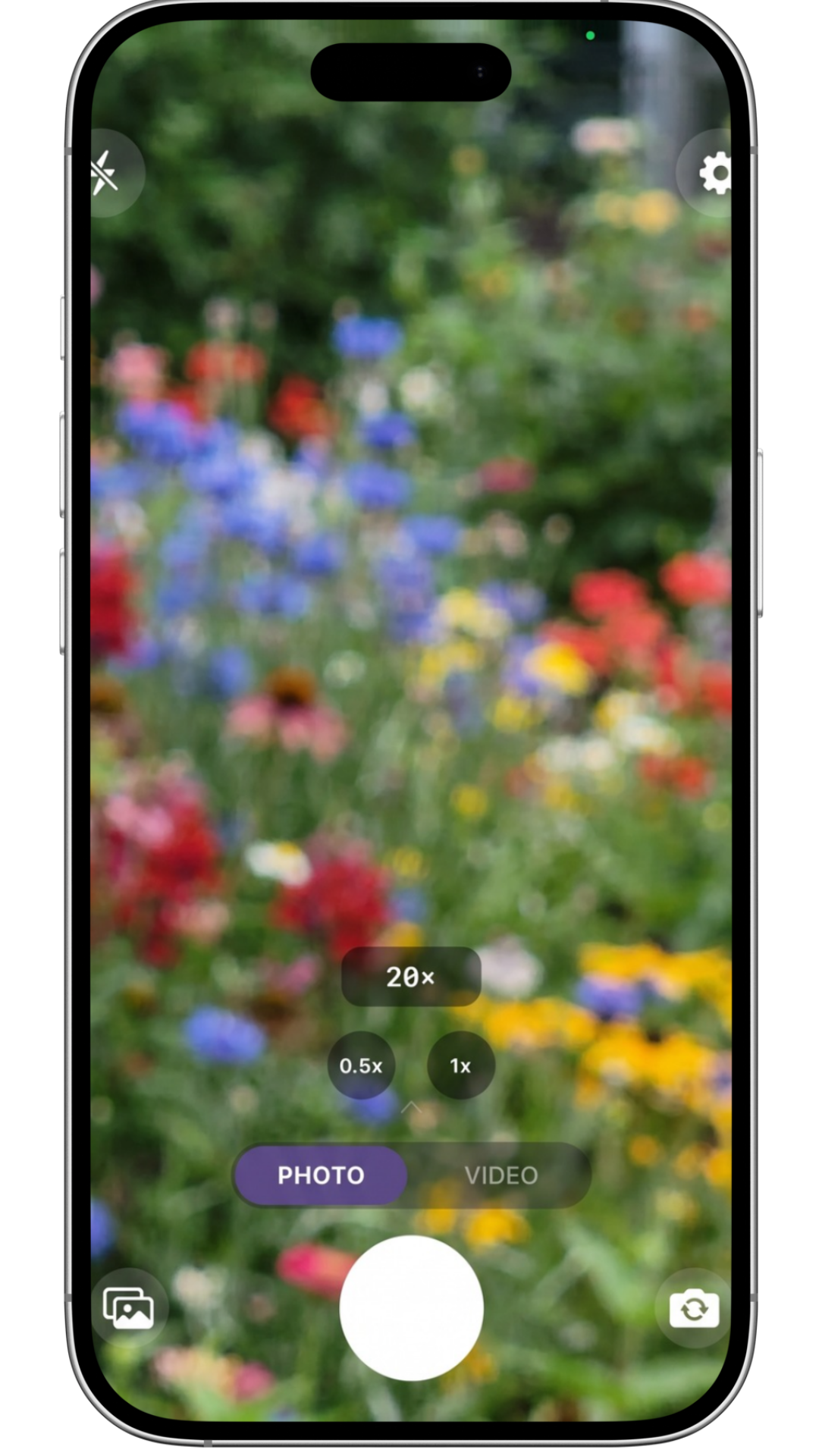
20X REAR ZOOM
Rear Camera Zoom
The rear camera goes further: 0.5x wide where supported, with continuous zoom from 1x up to 20x. Pull in on distant detail while the front camera keeps you in frame at a fixed, steady view.
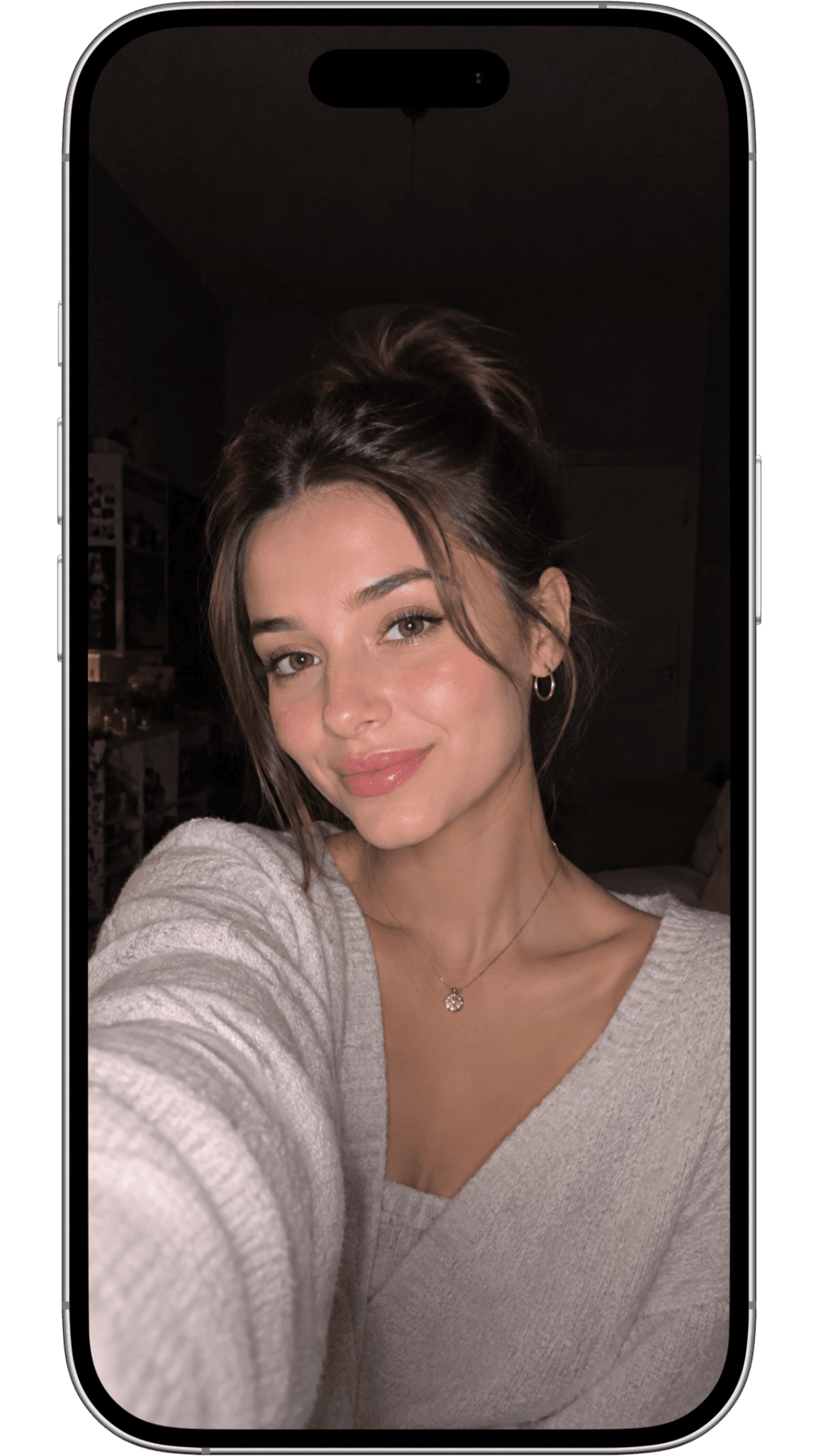
RING LIGHT
Ring Light & Studio Light
A soft LED ring around the front camera edge offers Warm, Daylight and Photo White presets for stills and video. Need more punch? Studio Light steps up to a brighter, more even key light for low-light rooms. Devices without a hardware flash fall back to a front screen flash automatically.
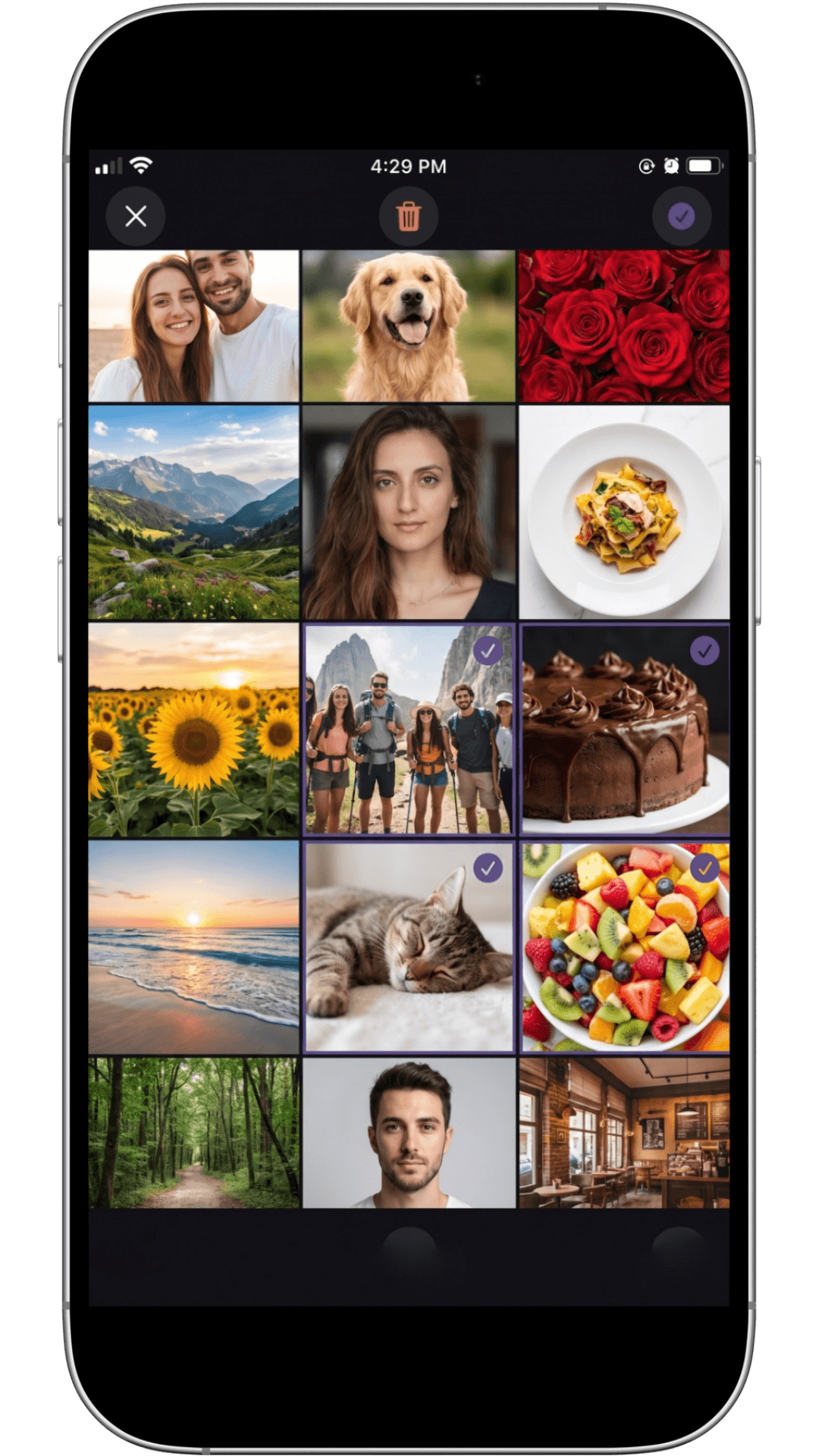
PRIVATE GALLERY
Private Gallery
Every photo and video lands in 2Shot's own gallery on your device, organized automatically as you shoot so recent sessions are easy to find. Nothing is routed through an external server to get there.
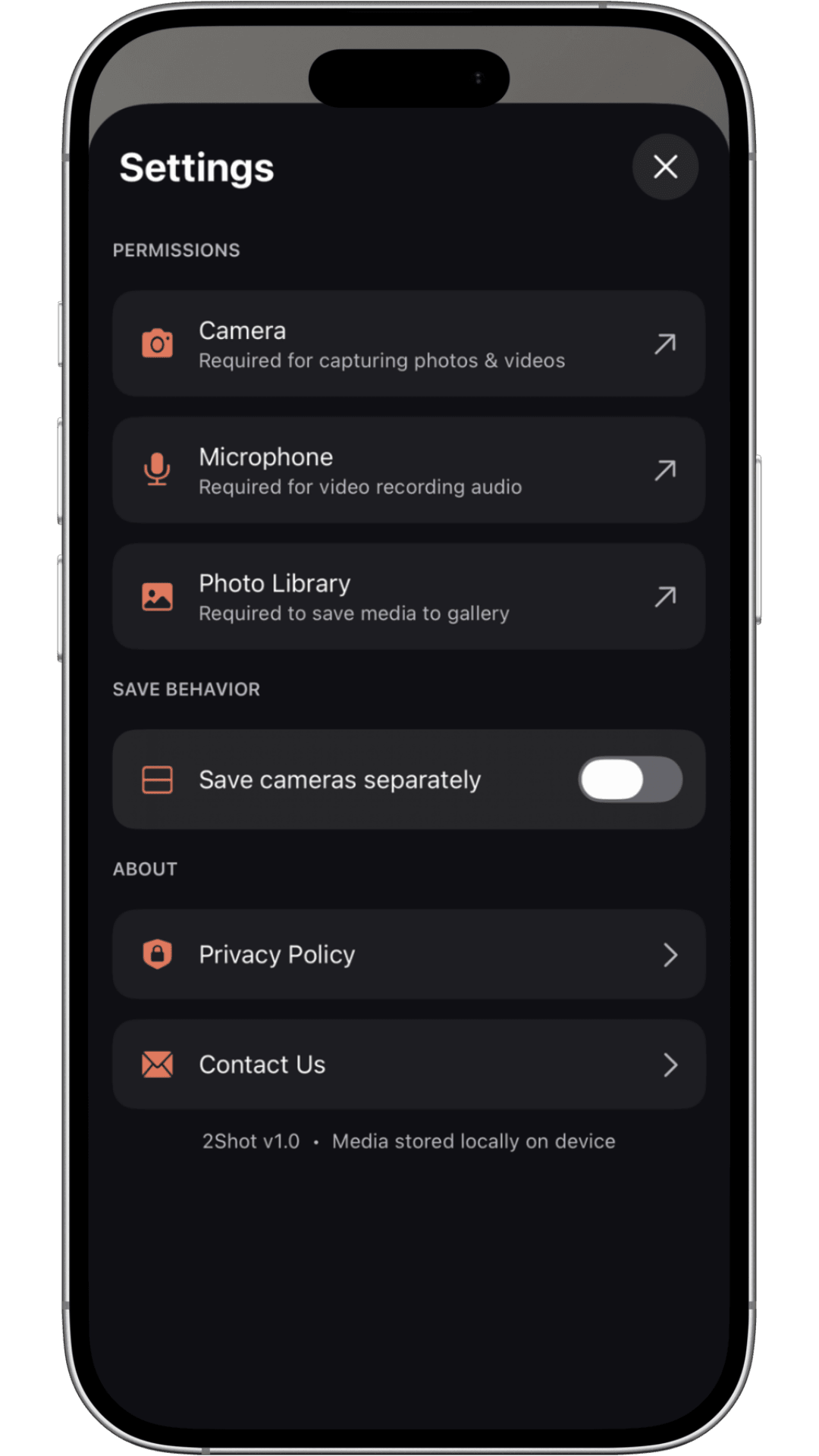
PRIVACY FIRST
Privacy First
Your captures never leave your device. 2Shot doesn't upload photos or videos to external servers, doesn't collect personal data in this version of the app, and doesn't run in-app analytics. Camera, microphone and gallery access are requested only for the specific feature that needs them, at the moment you use it, and you can review or revoke any of them at any time in Settings.
MORE IN THE TOOLKIT
Details that make a difference
Hand Gesture Auto Capture
Hold an open hand toward the camera and a 3-second countdown starts a photo or video automatically. Frame yourself, step back, and let 2Shot handle the shutter.
Photo While Recording
Grab a still frame without interrupting an active video recording, so a moment worth keeping doesn't have to wait for the edit.
Photo Capture, Dual or Single
Capture stills from the front camera, the back camera, or both at once, matching whatever mode you're already shooting in.
Video Up to 4K, 60fps
Record in HD or 4K at 24, 30 or 60 frames per second, so slower cinematic footage and smooth fast motion are both covered.
Exposure Control
Long-press anywhere on the preview and drag vertically to adjust exposure. An EV indicator appears while you adjust and hides itself once you're done.
And the rest of the toolkit
Aspect Ratios
Shoot in 16:9, 1:1 or 4:3 depending on where the footage is headed.
Timer
Set a delay before capture starts, for solo shots or group framing.
Hardware Button Capture
Volume buttons trigger capture and recording on supported devices.
Device Compatibility
Dual-camera capture depends on the camera hardware and chipset in your device. Available zoom, frame rate and lighting options vary by model; 2Shot uses what your hardware allows rather than promising identical results everywhere.